
Track. Plan. Save.
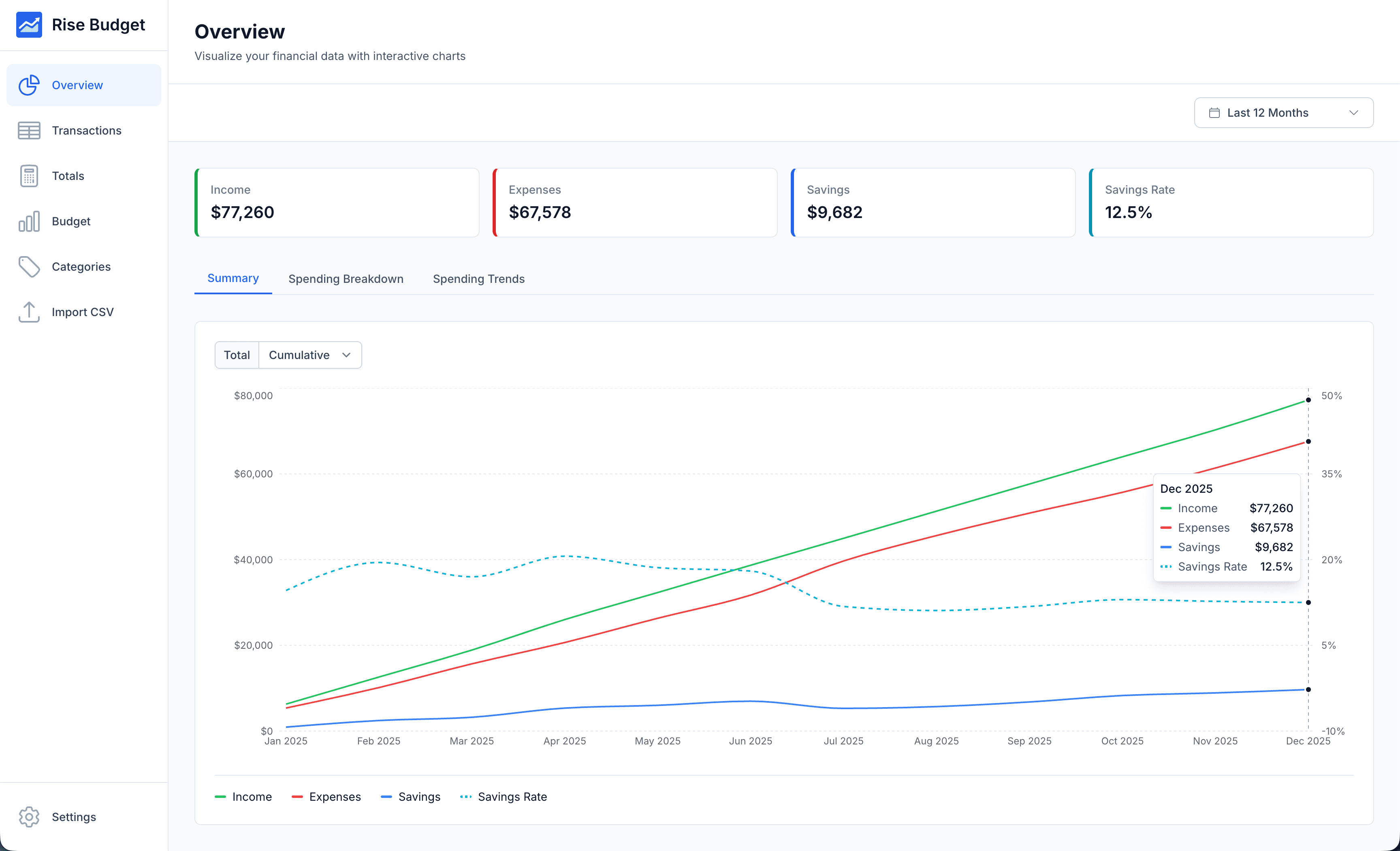
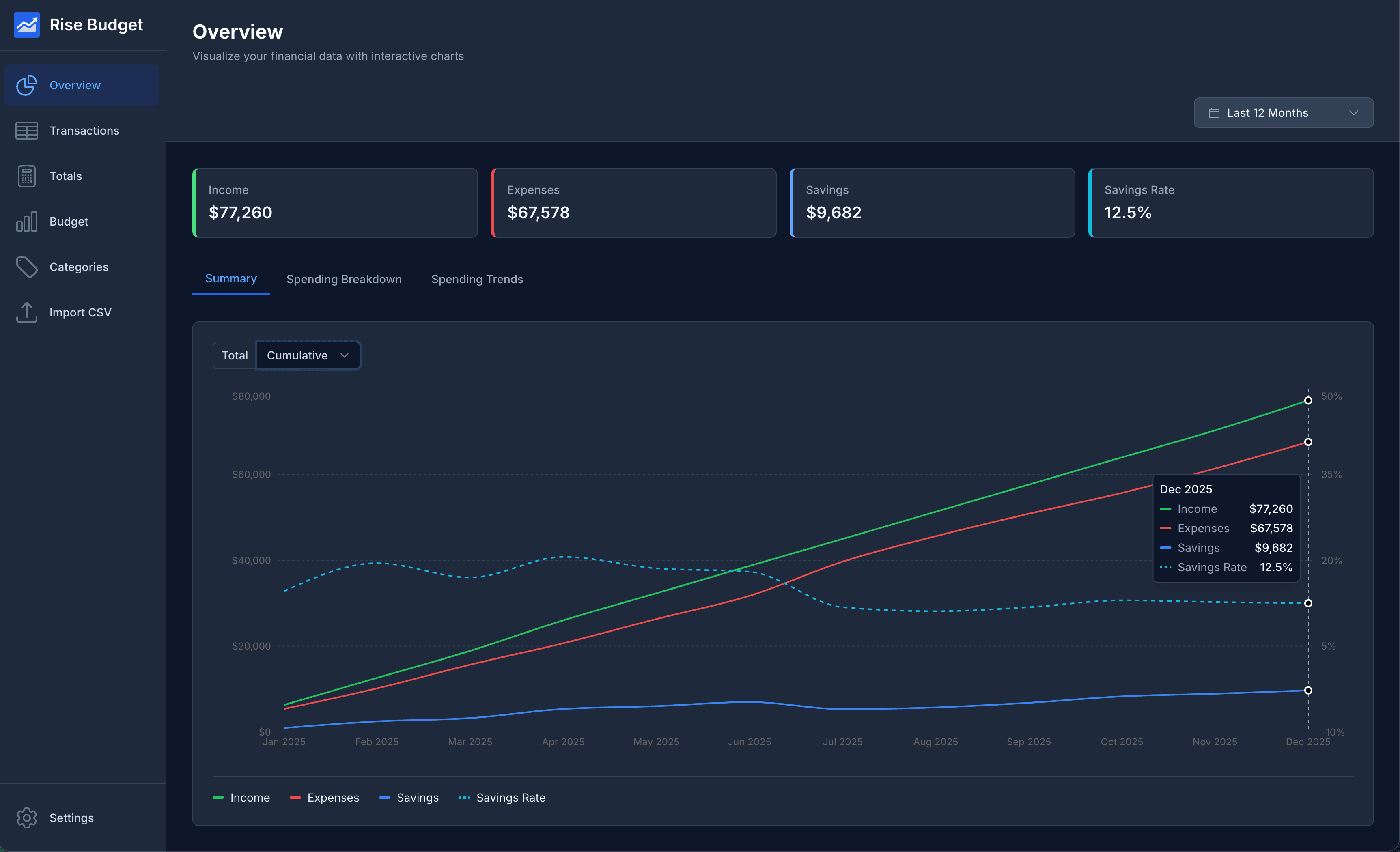
Features to help you take control of your finances
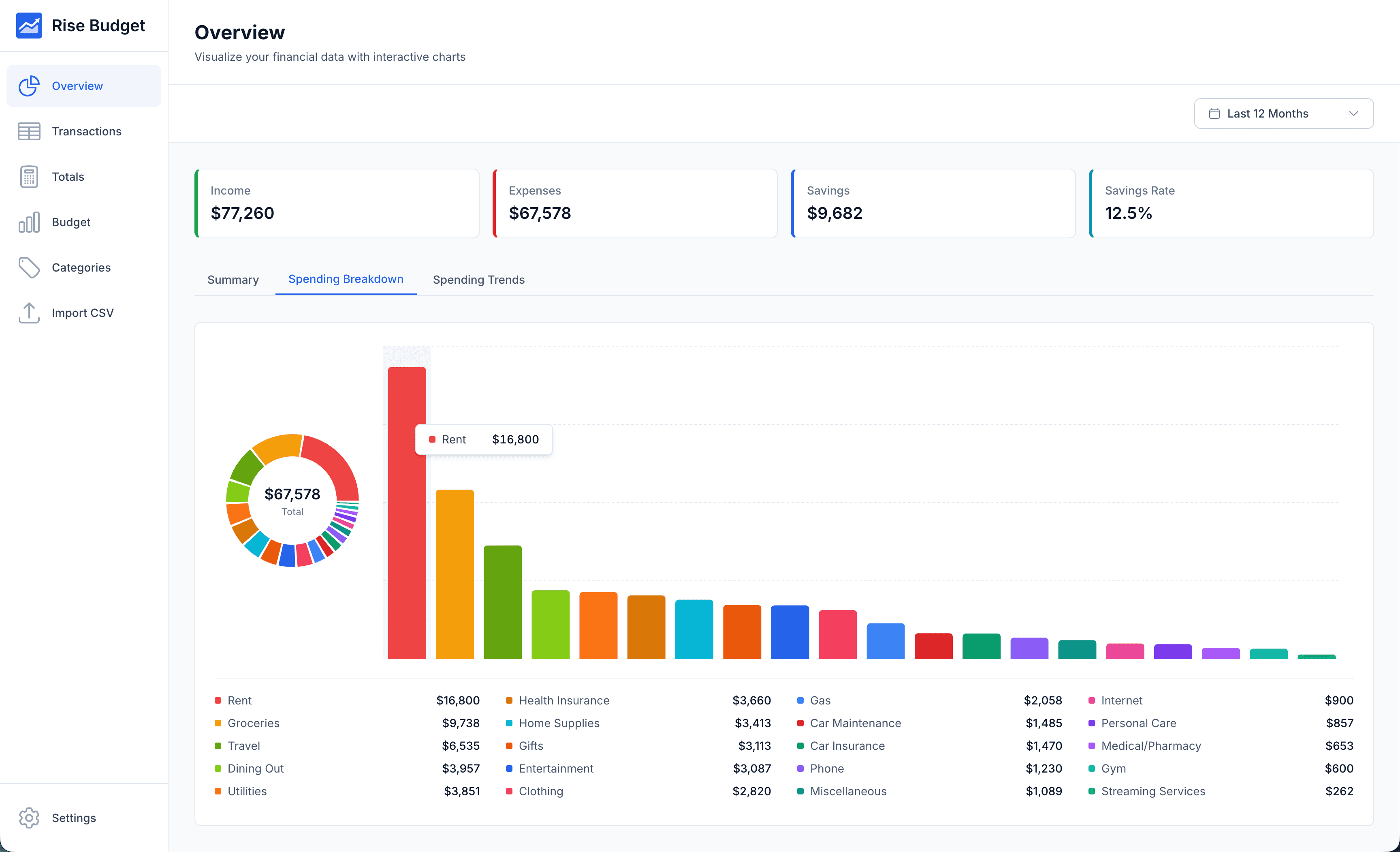
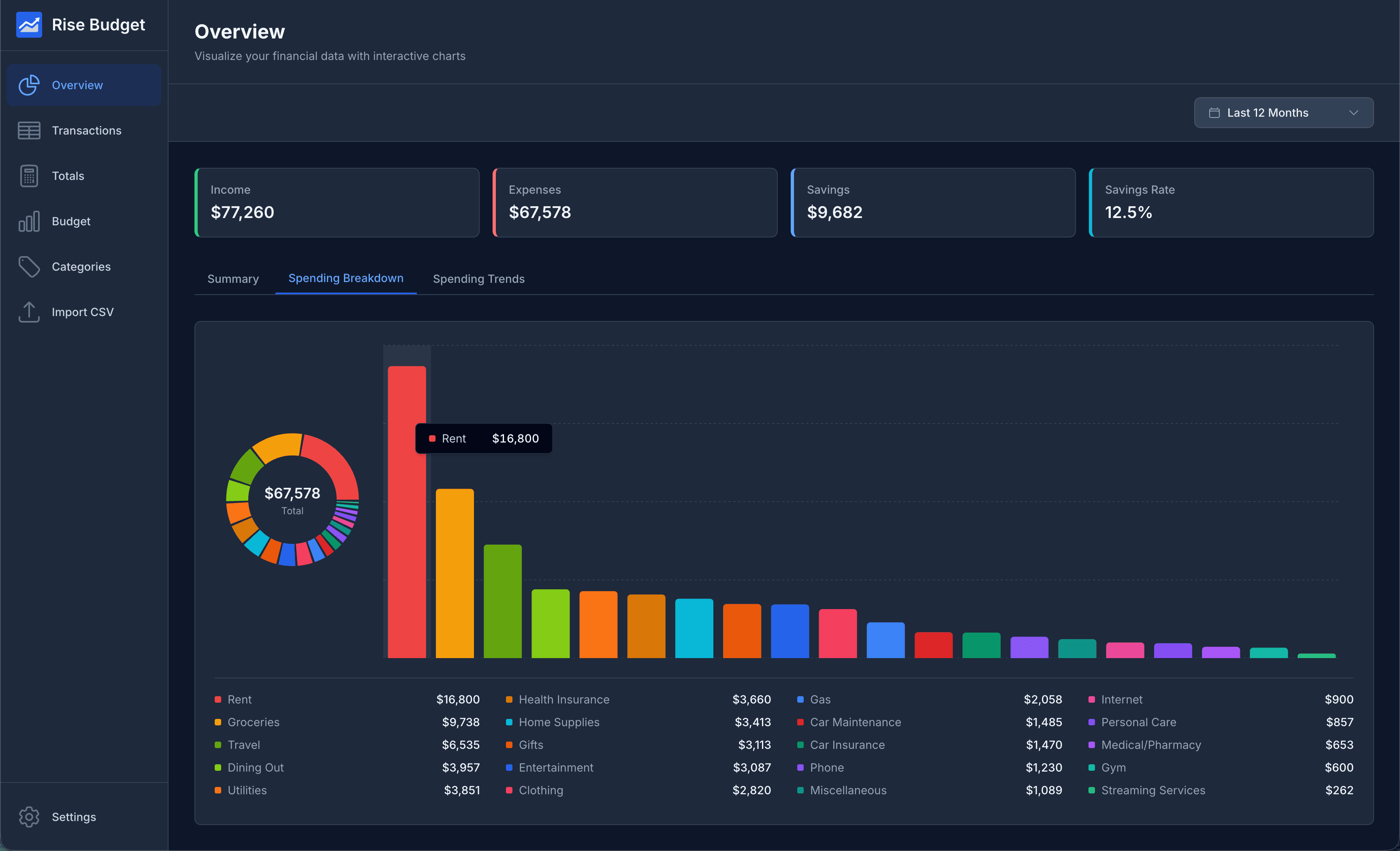
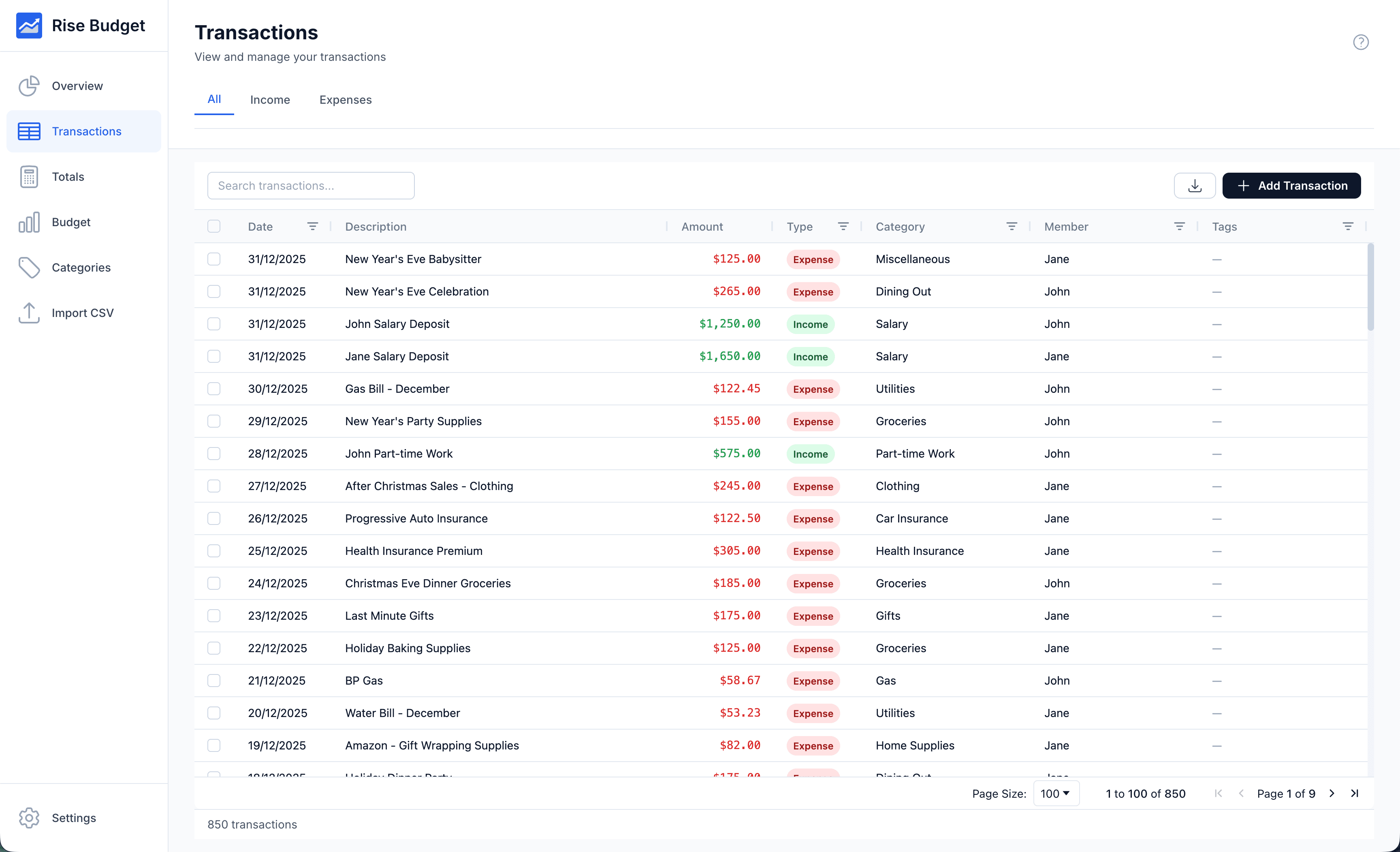
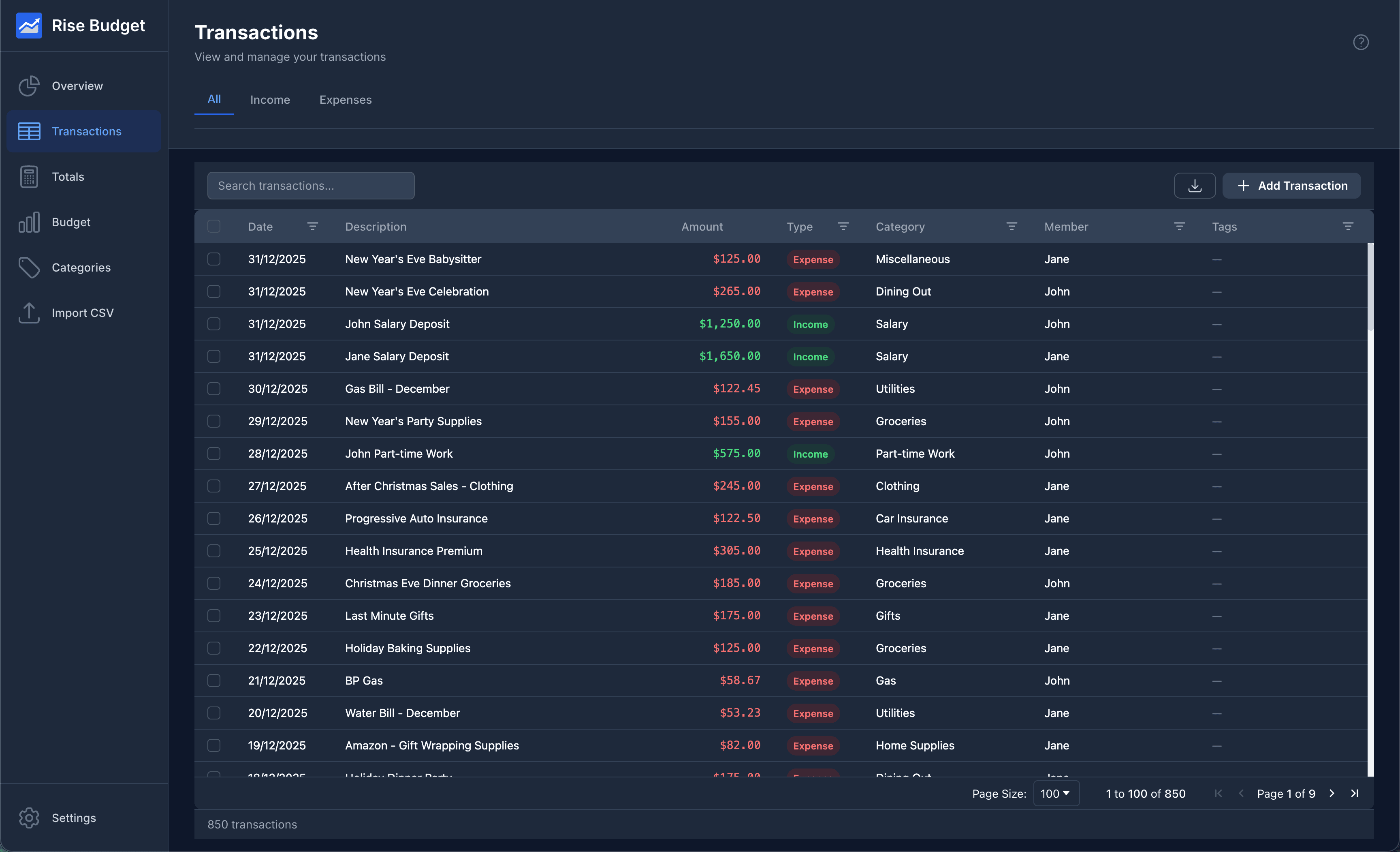
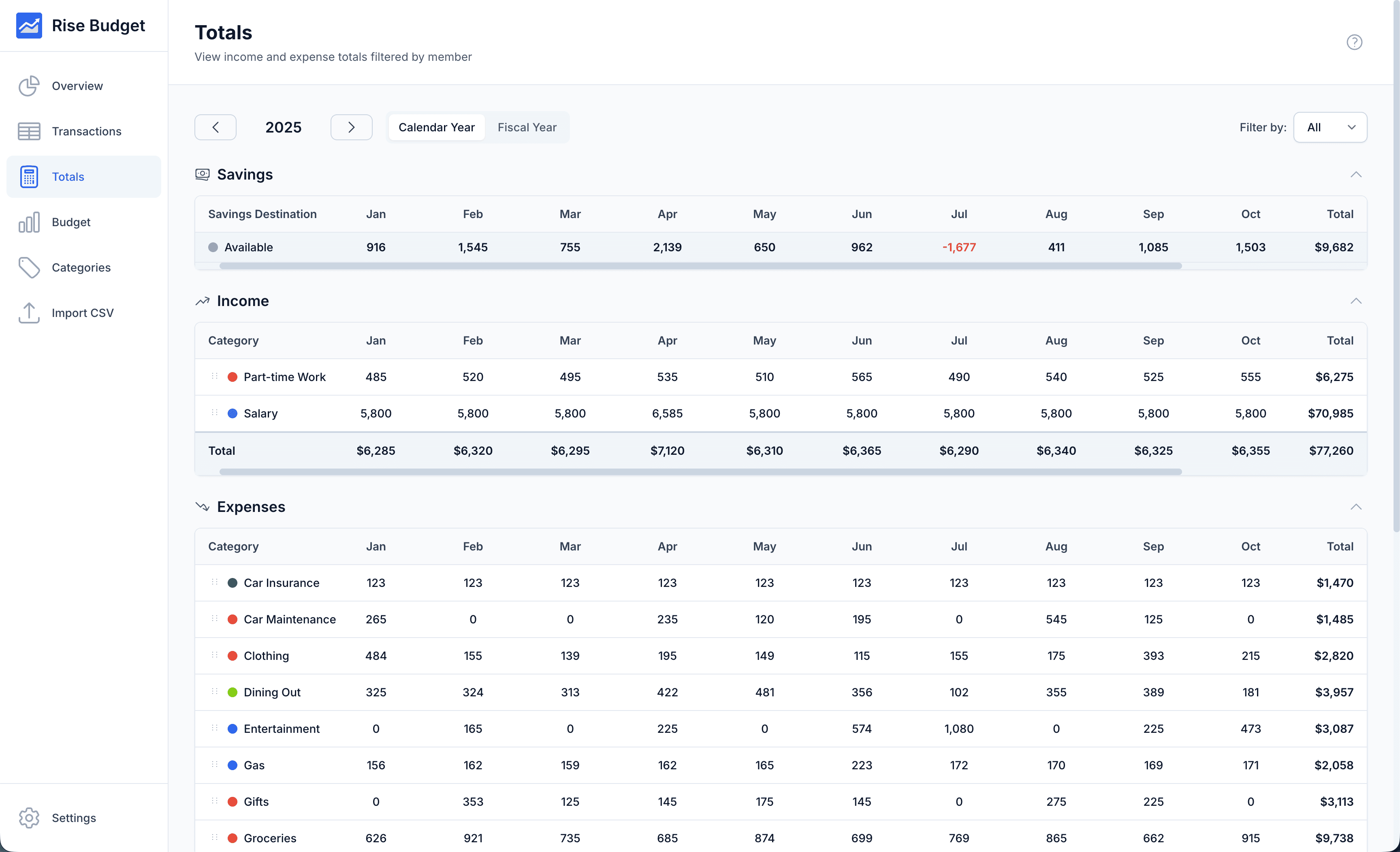
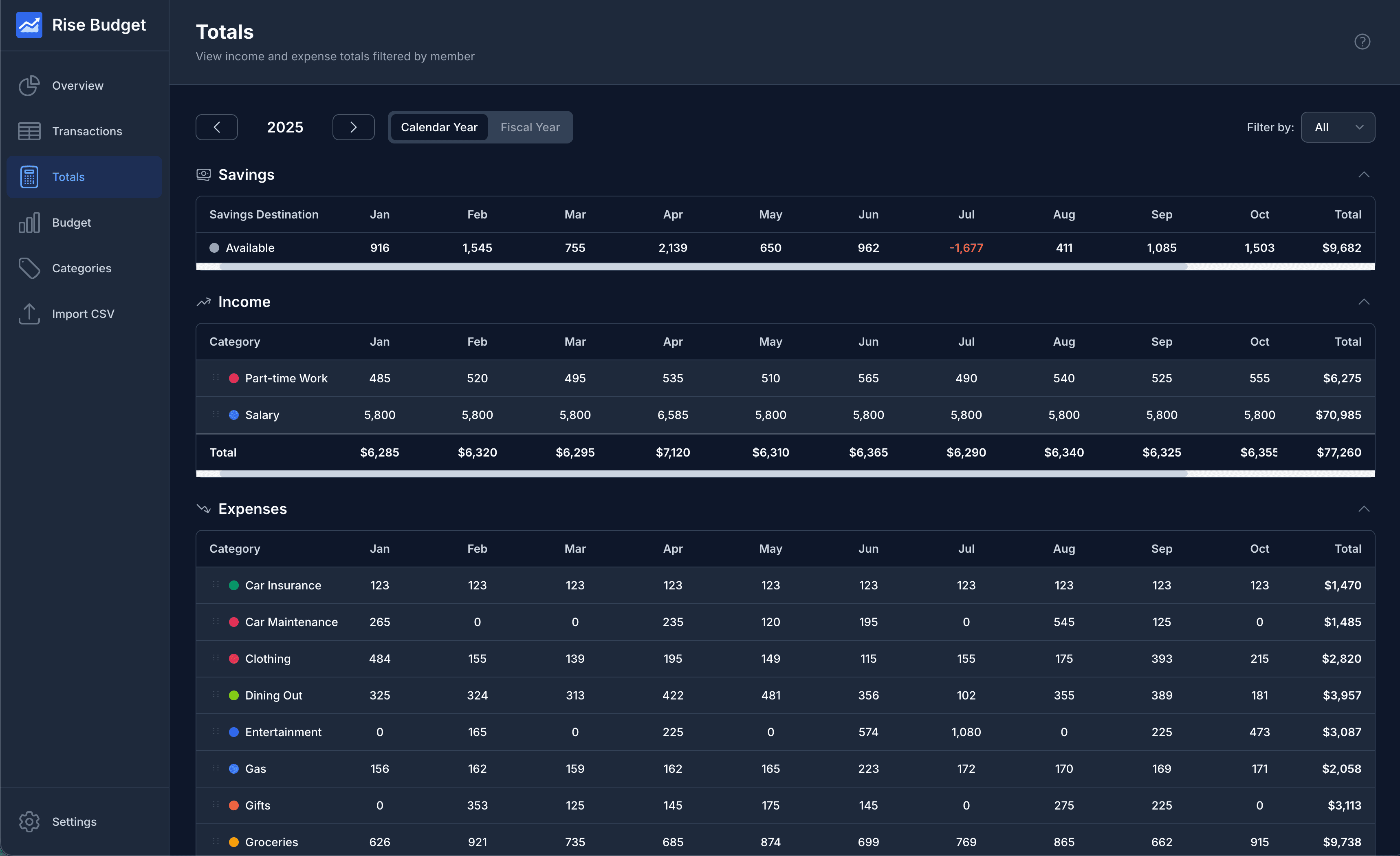
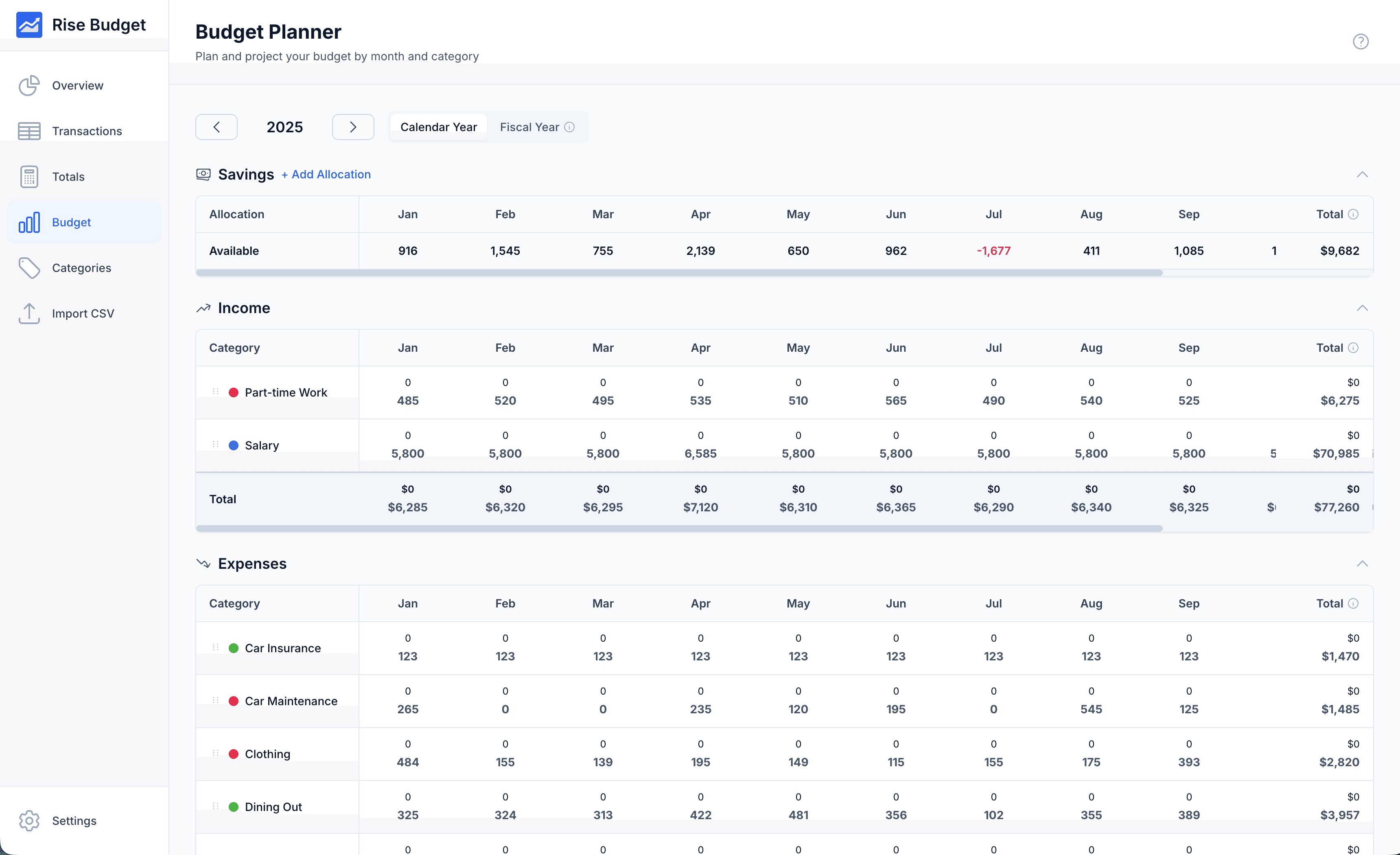
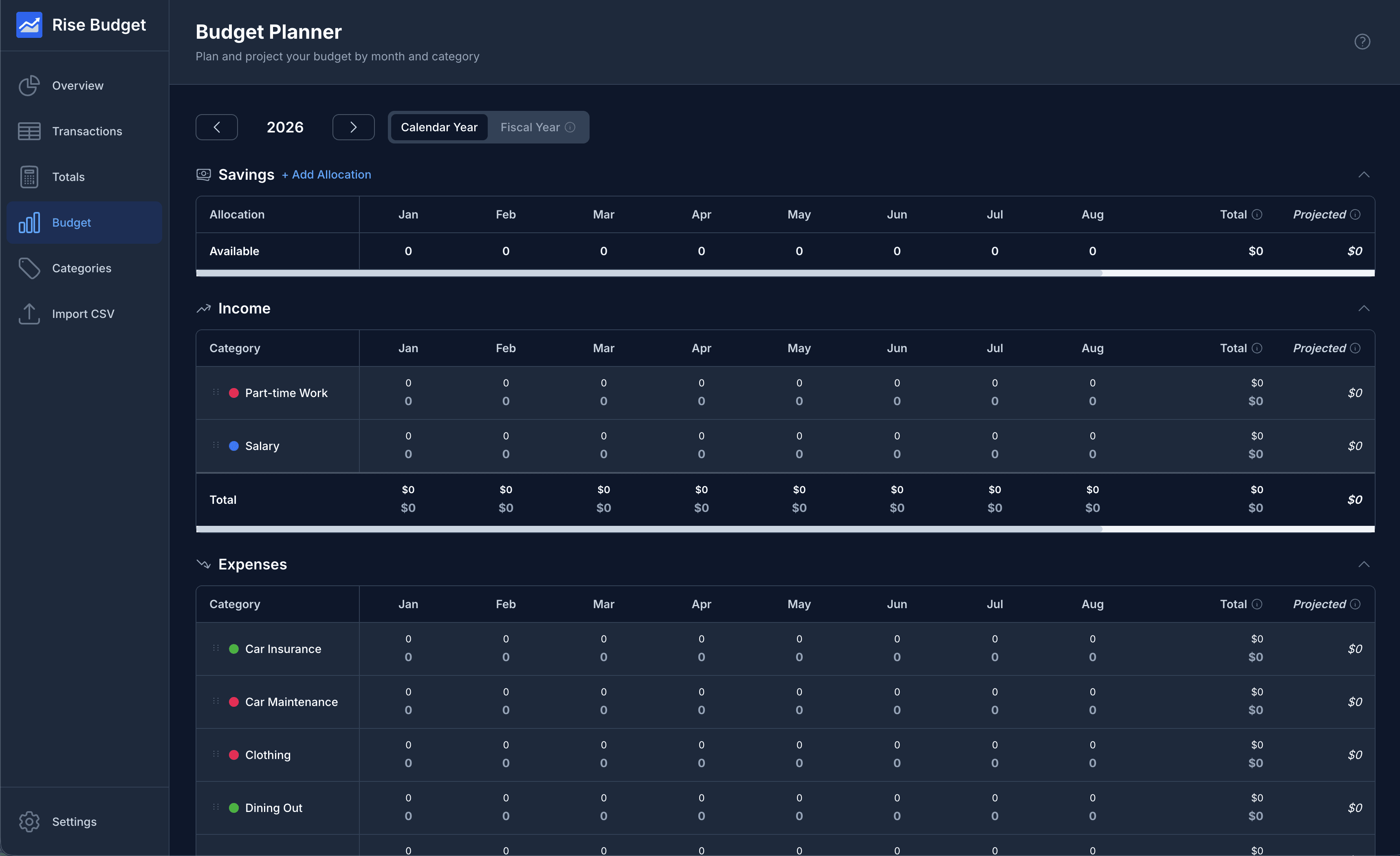
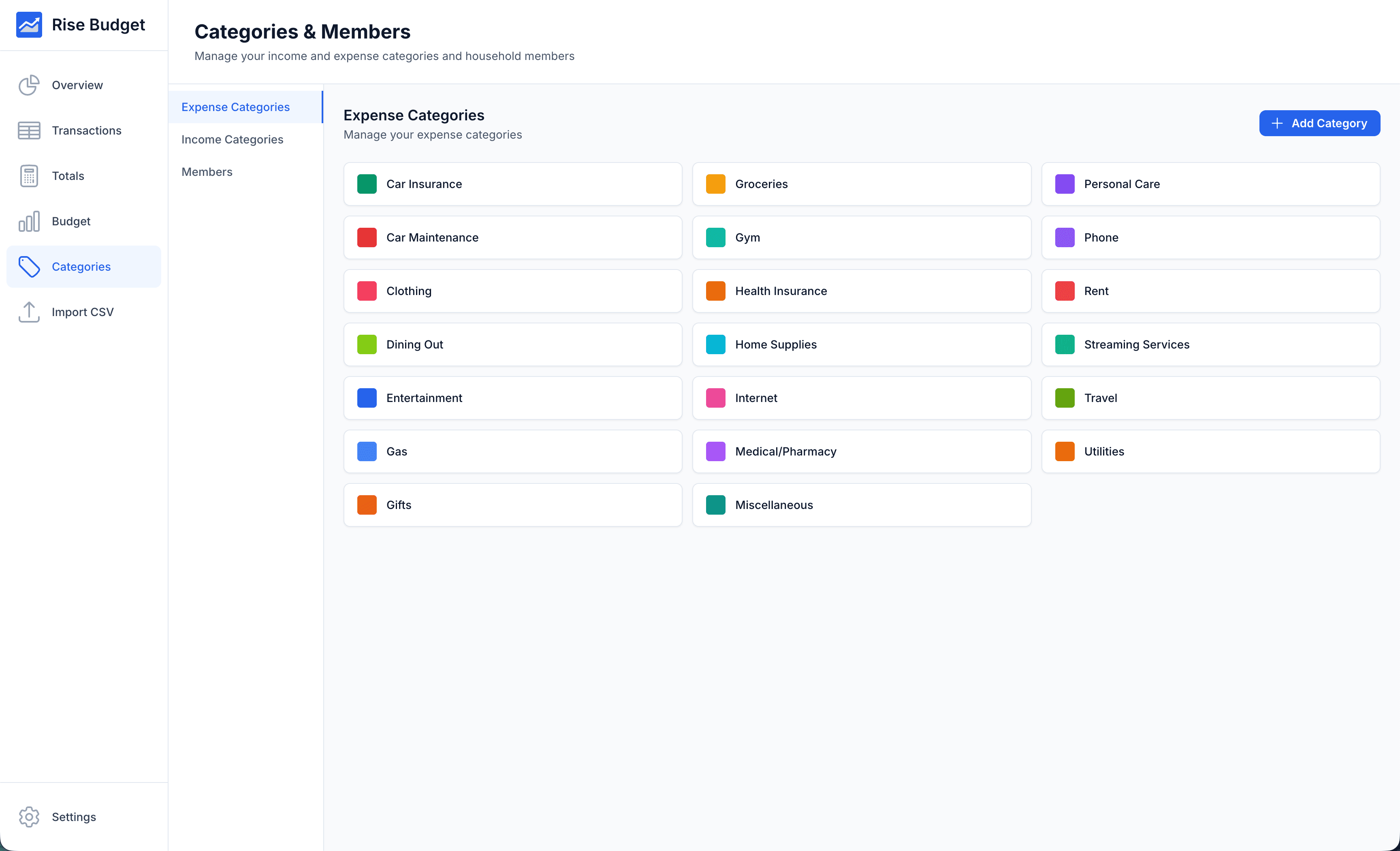
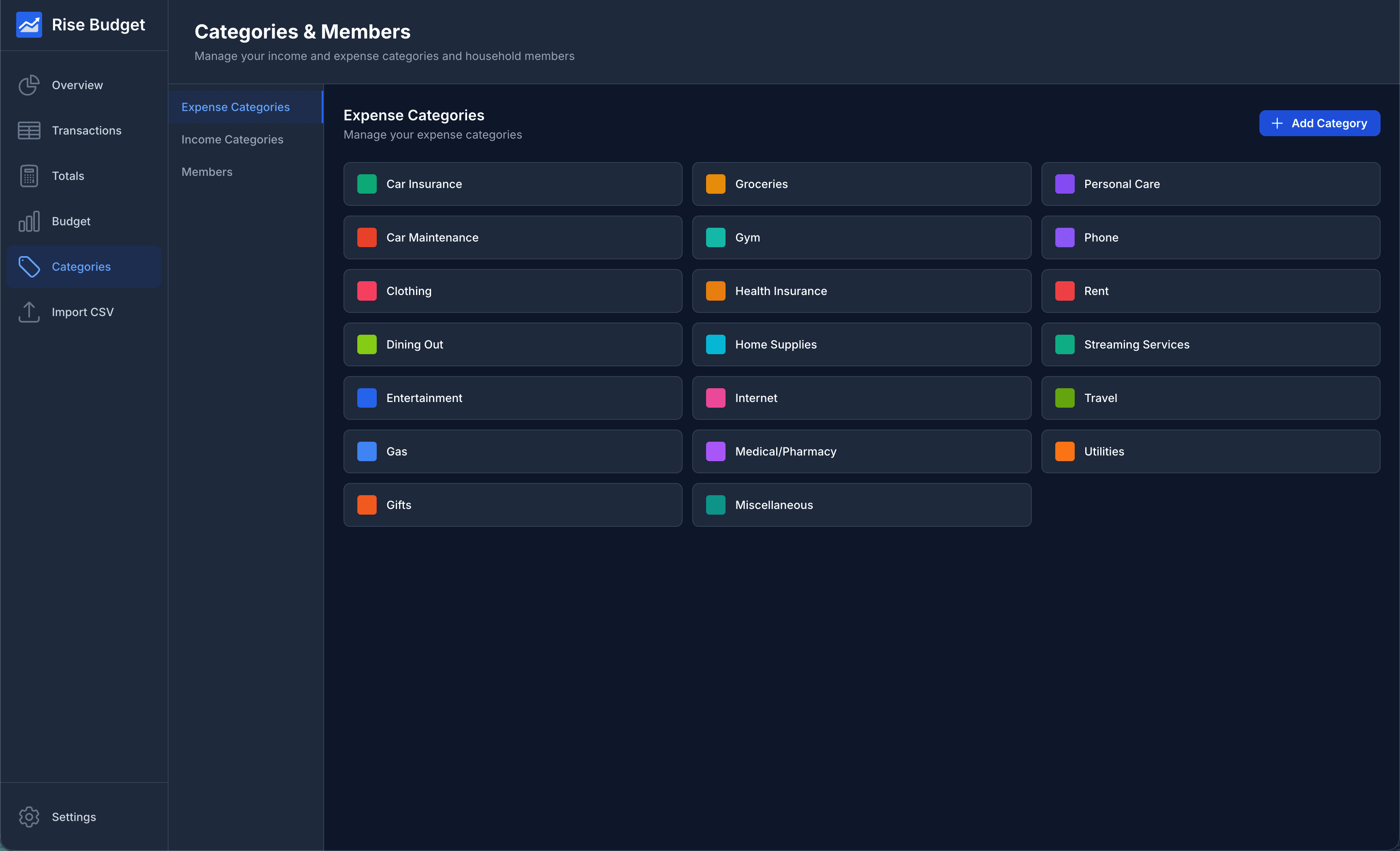
- Simple & Intuitive
- Clean, modern interface designed for ease of use. No complicated setup or learning curve required.
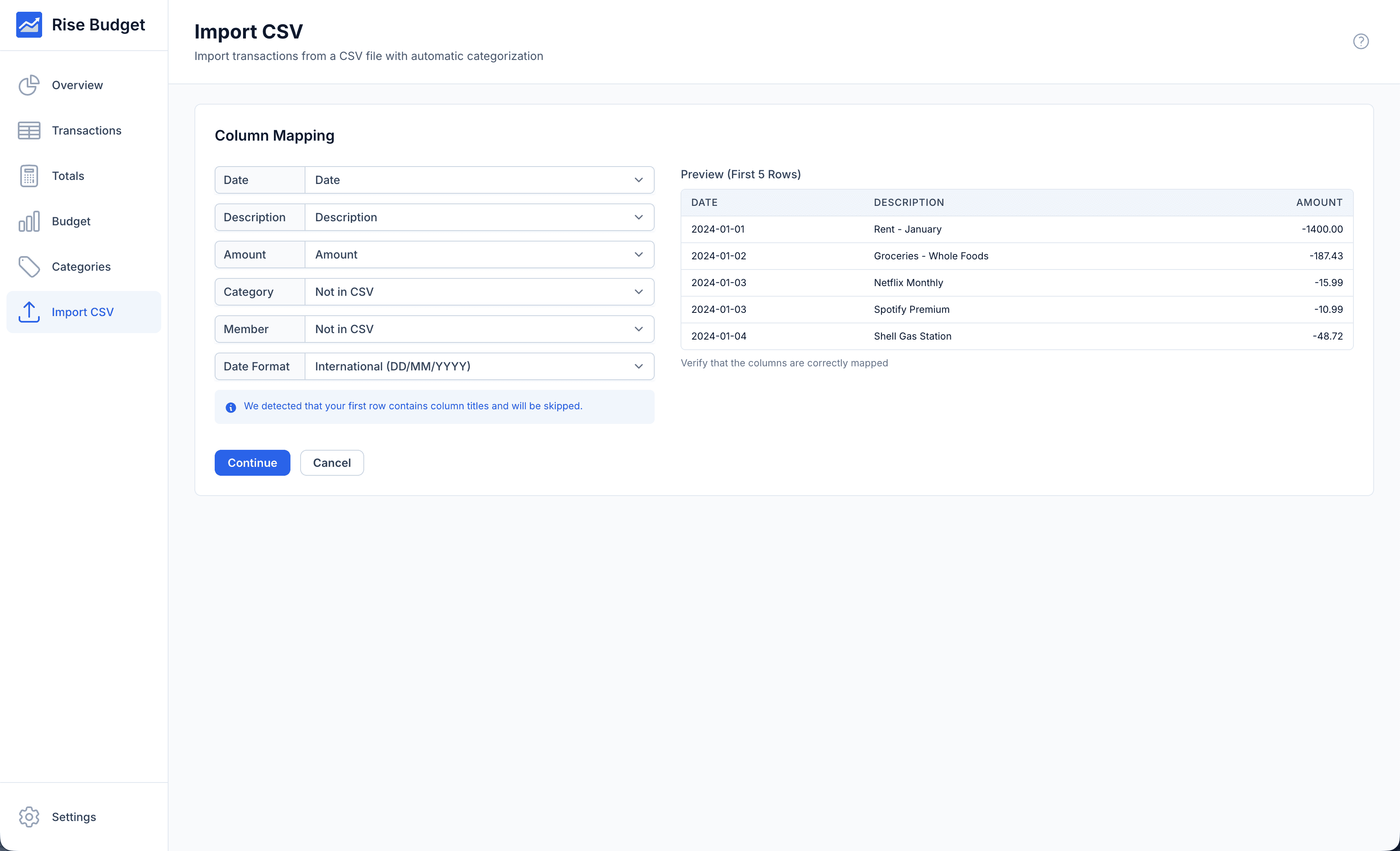
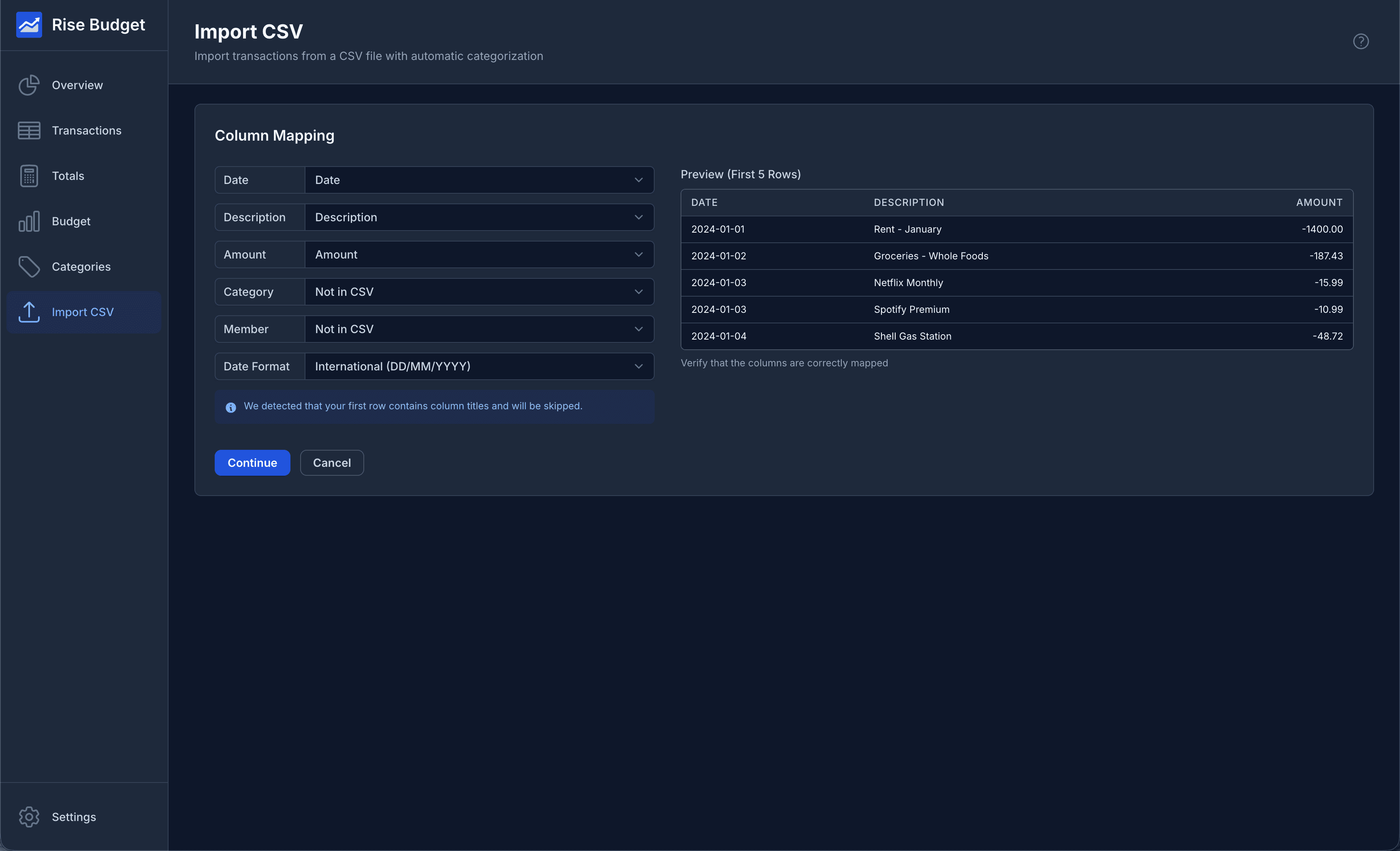
- Import Transaction Data
- Import transactions from your bank statements in CSV format. Easily map data columns. Supports all date formats.
- Auto-categorization
- Automatically categorizes transactions based on your previous choices. Less manual entry, with more accuracy over time.
- Add Household Members
- Additional option to track income & spending across all categories for each member of your household.
- Data Only Stored on Your Computer
- Your financial data never leaves your computer. No need to trust another third party with your financial data.
- Works Offline
- All features work without an internet connection. Your finances are always accessible, anywhere.
- Backup & Restore
- Export your data anytime and restore from previous backups. Easily transfer your data when you upgrade your computer.
- Multi-language & Currency
- Currently available in English, Spanish & Portuguese with more languages coming soon. Also a large range of currencies to select from.
Frequently Asked Questions
What is Rise Budget?
Rise Budget is a desktop application for tracking your personal finances. It runs entirely on your computer with no cloud sync, ensuring your financial data remains private.
Why isn't Rise Budget cloud hosted?
Keeping your data local means greater privacy and reduced risk of breaches. Lower hosting costs let us offer budget-friendly pricing.
Is my data safe?
Absolutely. Your data is stored locally on your computer and never transmitted to our servers. We recommend regular backups which you can export anytime.
How does the free trial work?
The free trial gives you 24 hours of full access to all features. No credit card required. After the trial expires, you can purchase a license to continue using the app. All your trial data is preserved.
Can I upgrade from Annual to Lifetime?
Yes! You can upgrade anytime by purchasing the higher tier. Your current subscription will be canceled and you'll receive a new lifetime license key.
What happens when my license expires?
For Annual licenses, you'll receive renewal reminders. If not renewed, the app becomes read-only - you can view your data and export backups, but cannot add new transactions. Lifetime licenses never expire.
Can I use Rise Budget on multiple devices?
Each license is for one user on one device at a time. You can transfer your license to a new device by exporting your data and importing it on the new machine. Multi-device sync isn't available yet, but we're actively working on it.
What is your refund policy?
We offer a 30-day money-back guarantee. If you're not satisfied, contact us for a full refund, no questions asked.
What platforms are supported?
Rise Budget runs on Windows, macOS (Intel and Apple Silicon).
Will new features be added in the future?
Absolutely! We're constantly working to improve Rise Budget and add new features. We'd love to hear your suggestions!