
Track. Plan. Save.
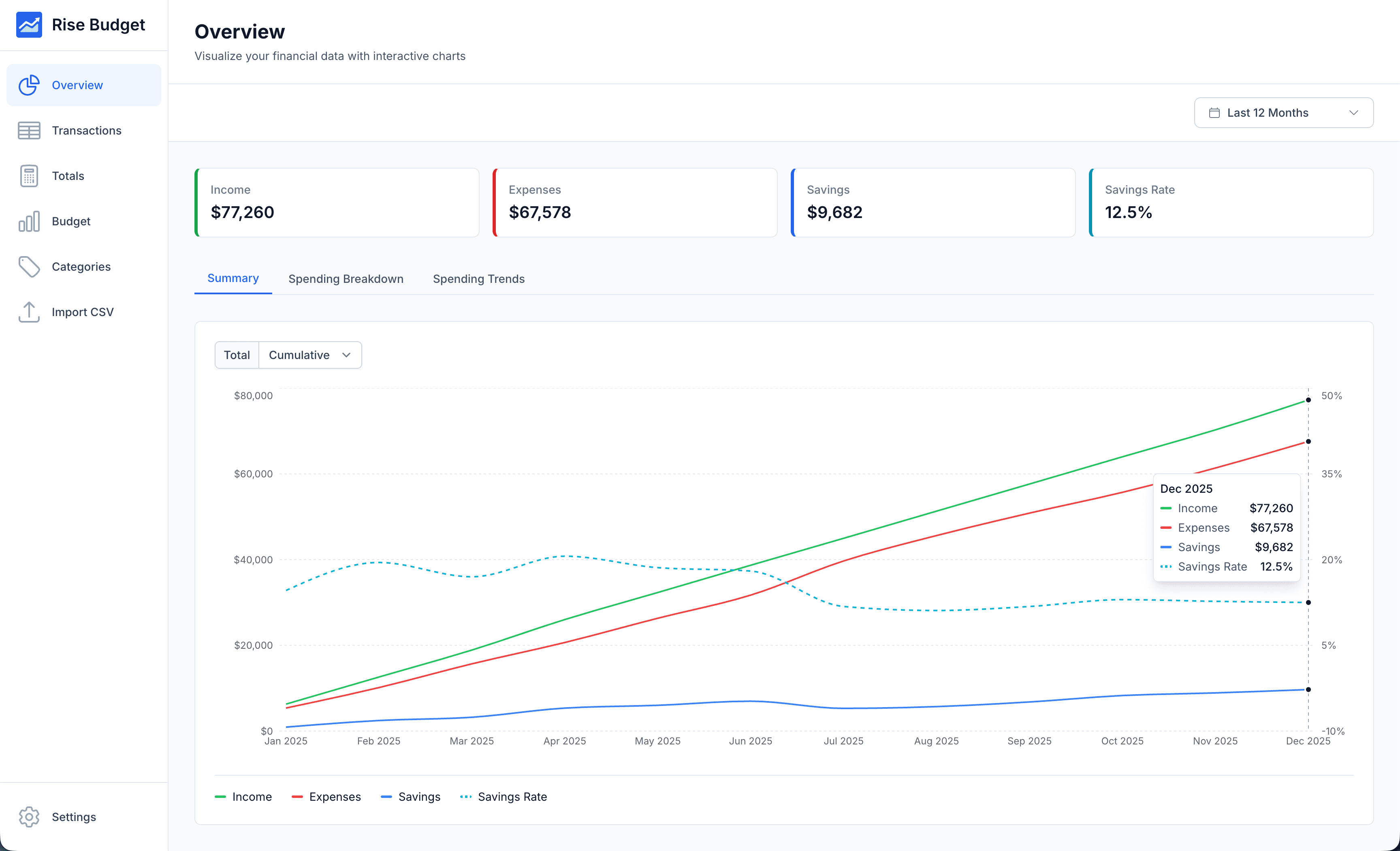
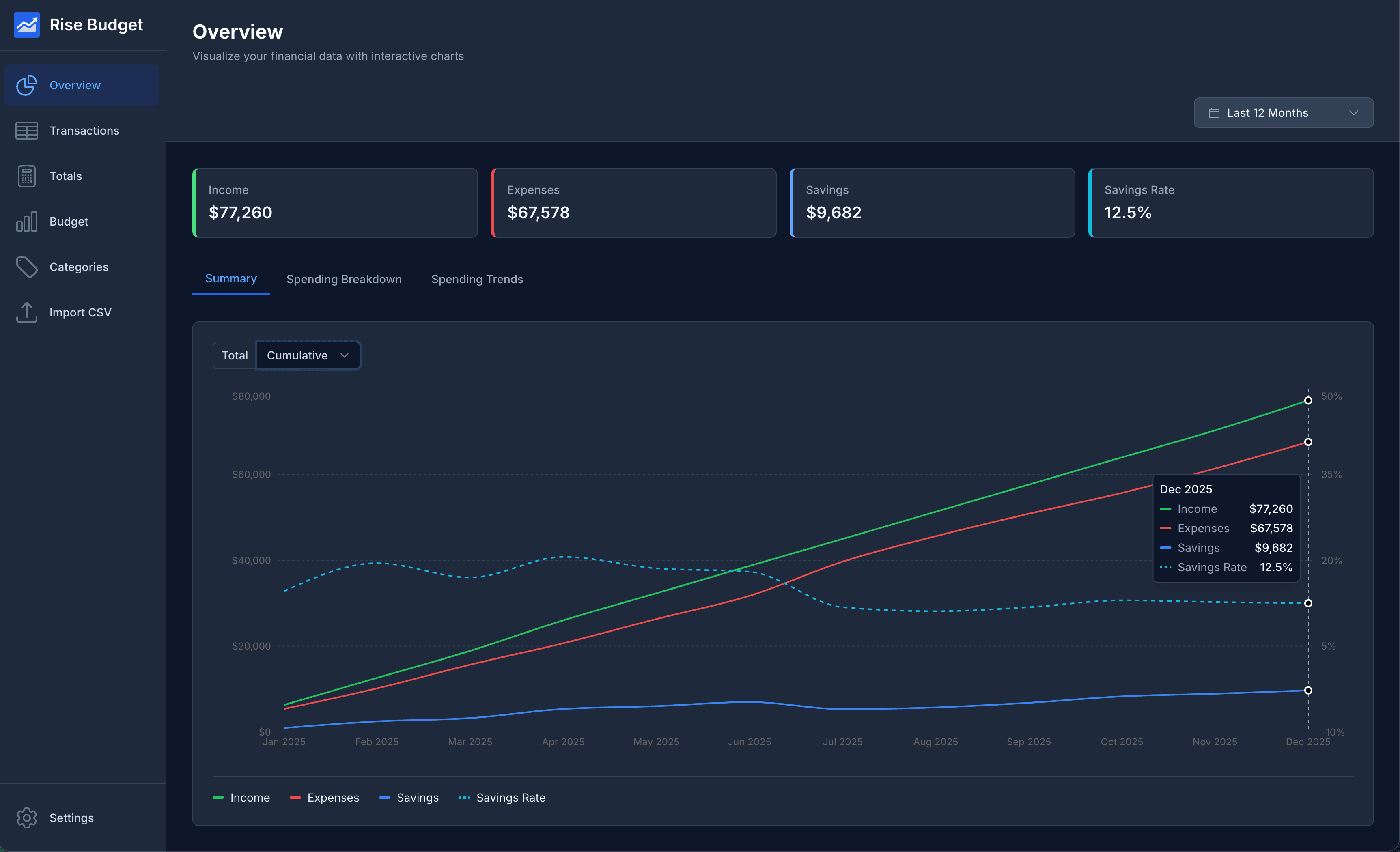
Features to help you take control of your finances
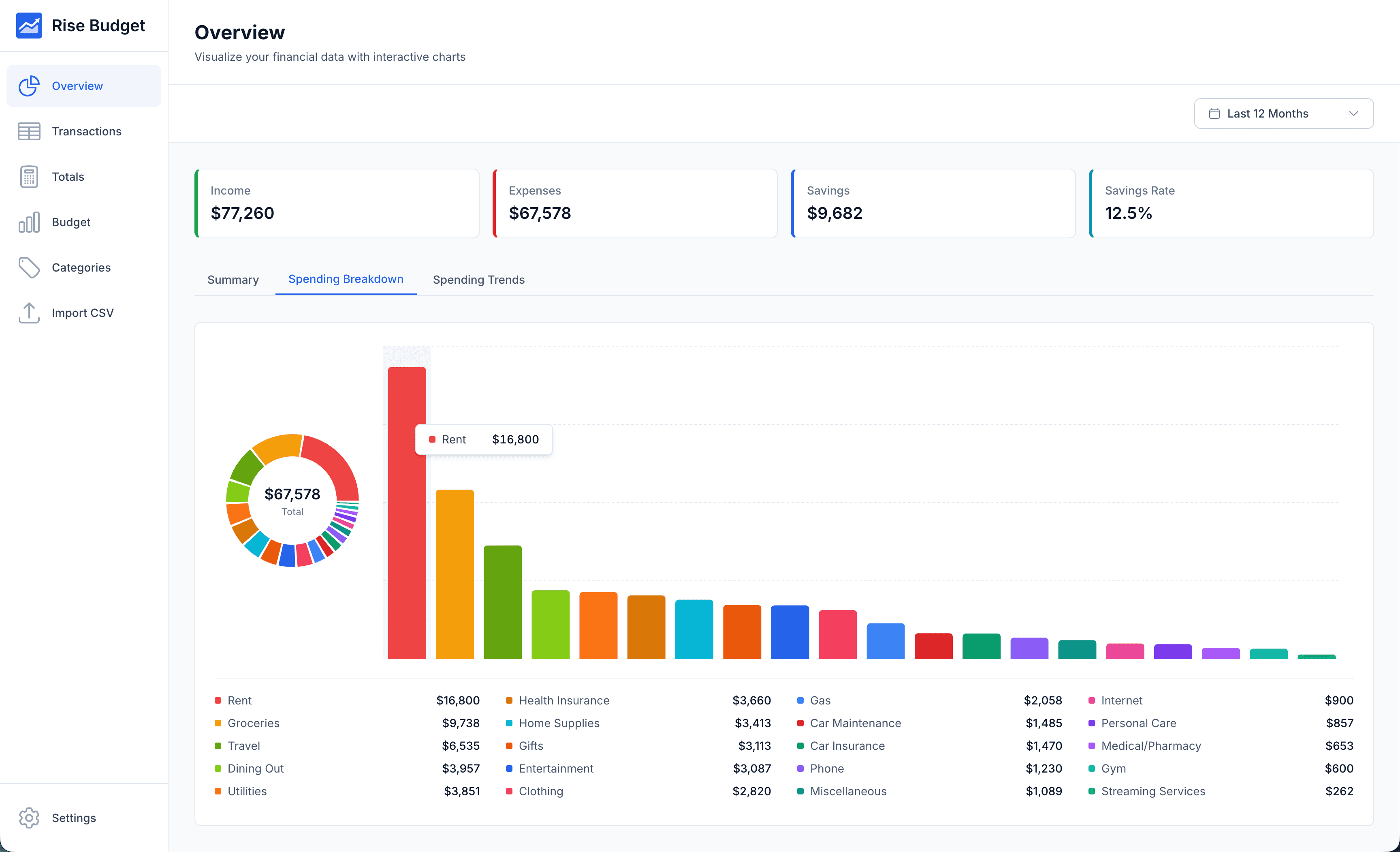
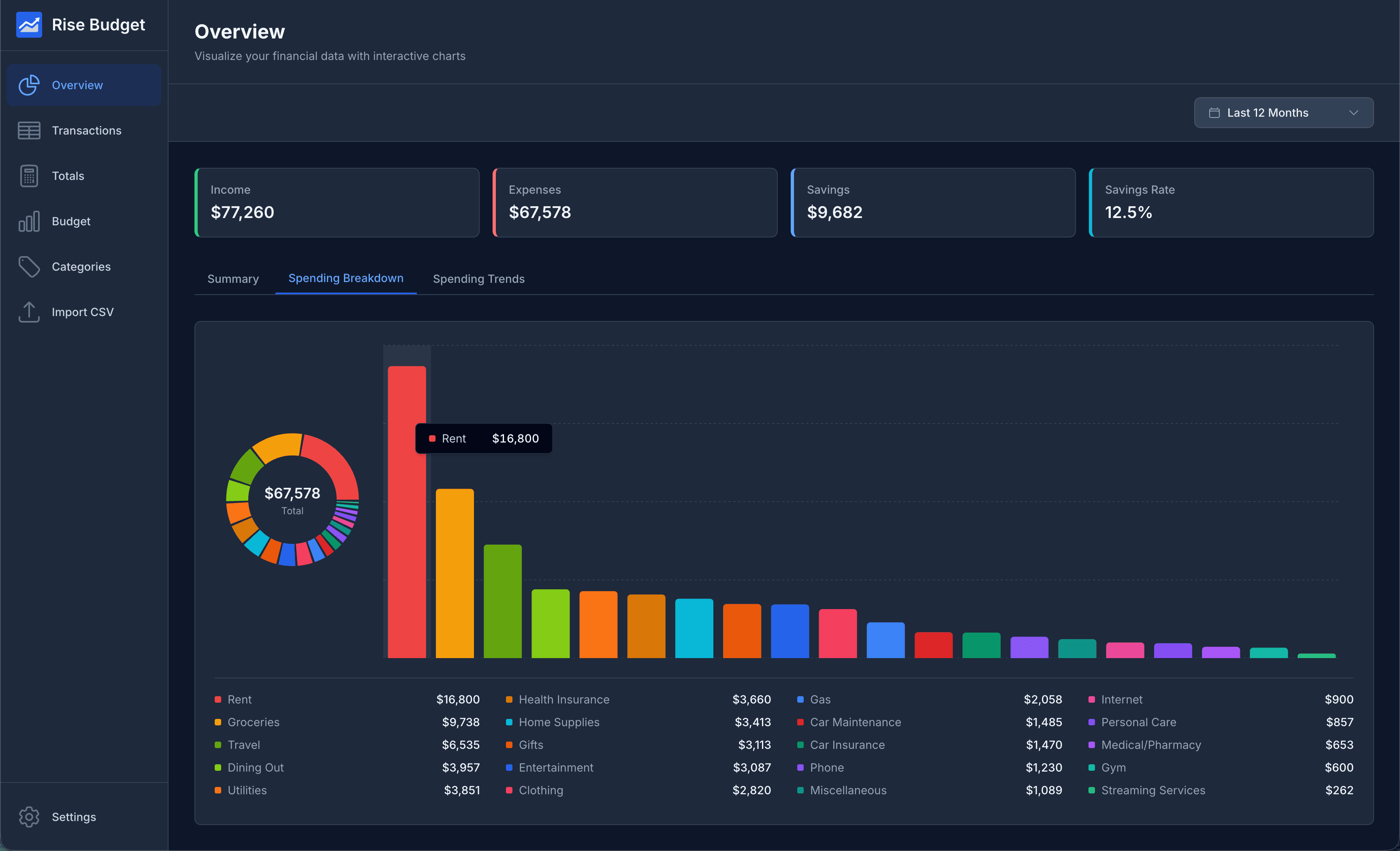
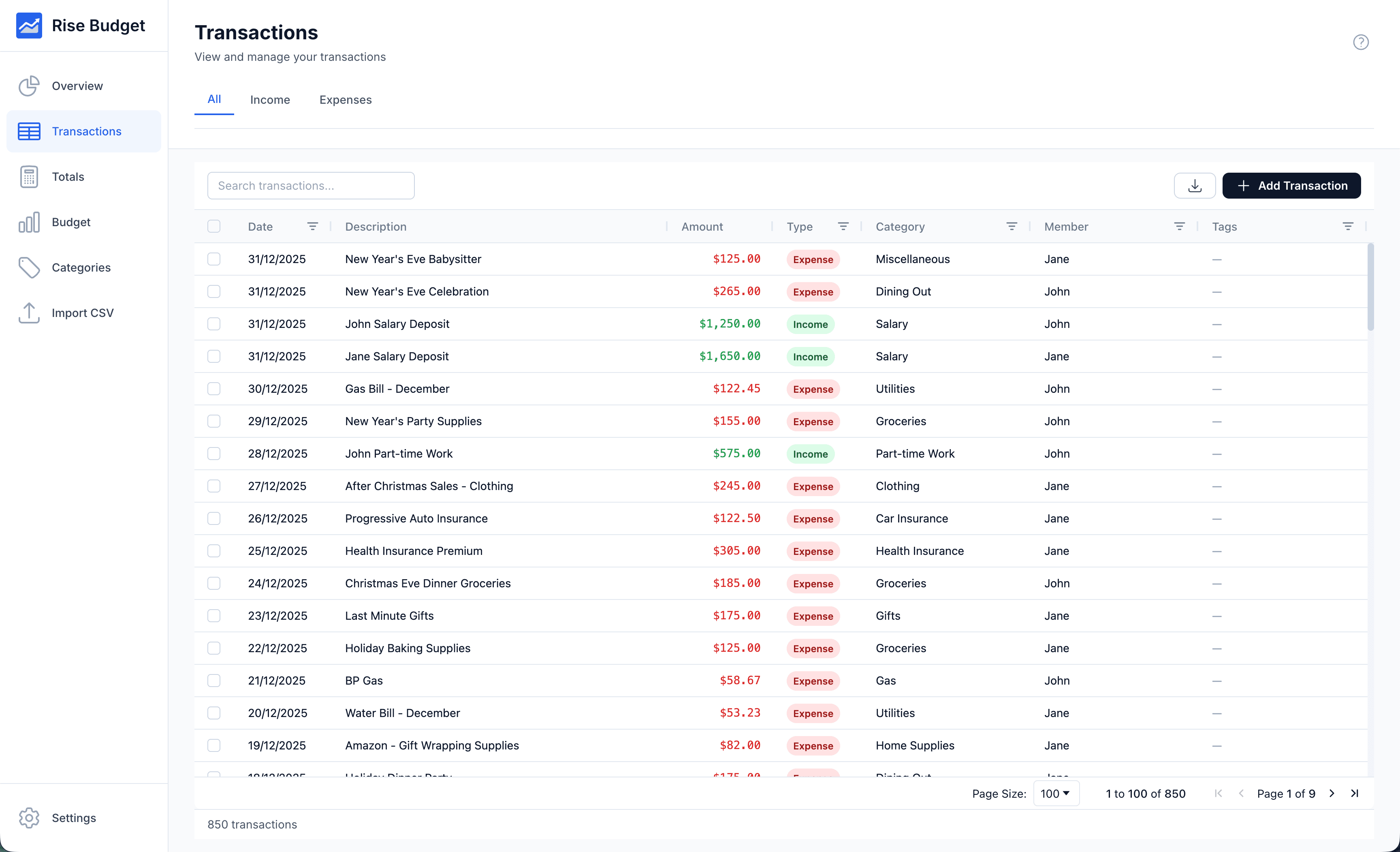
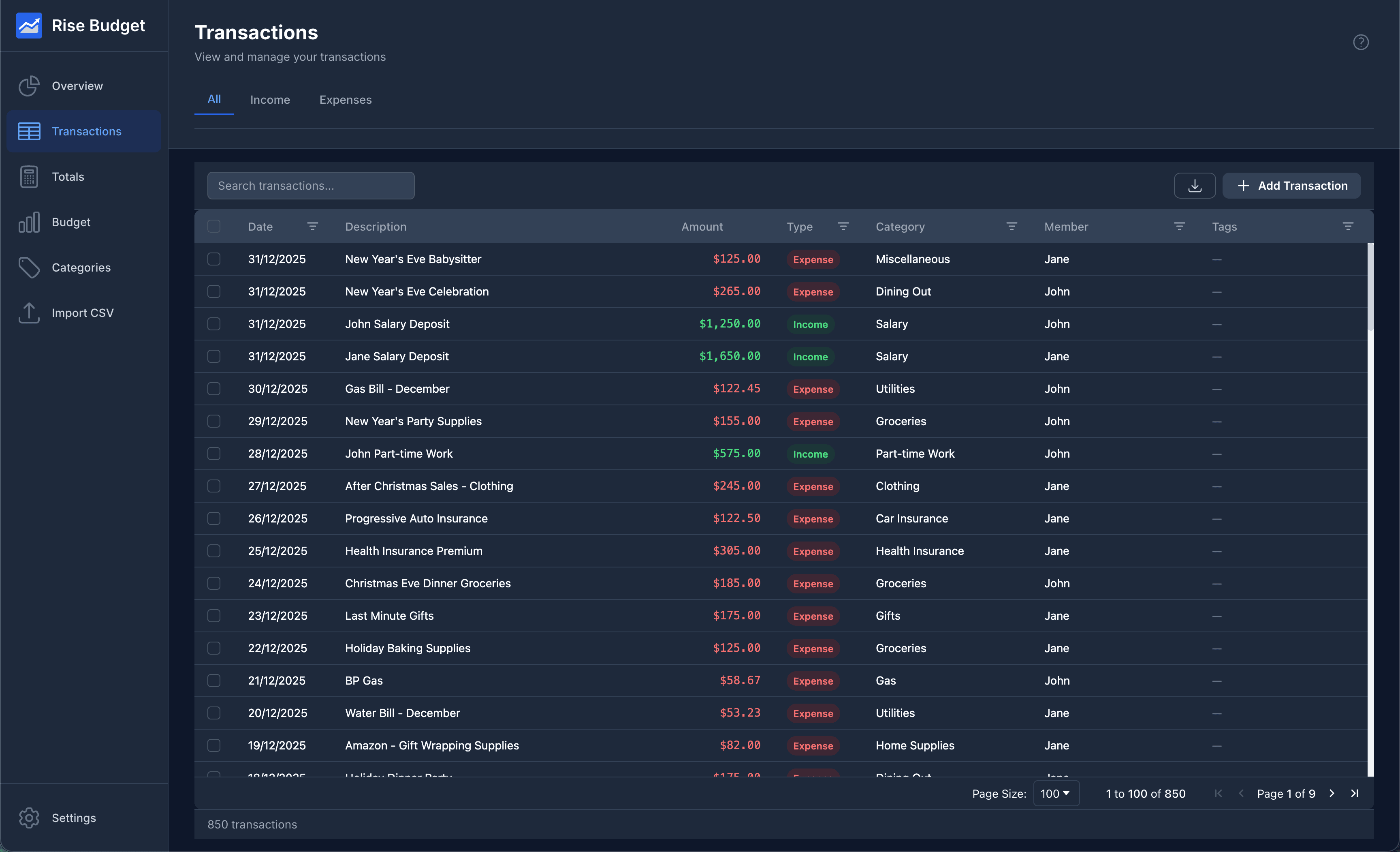
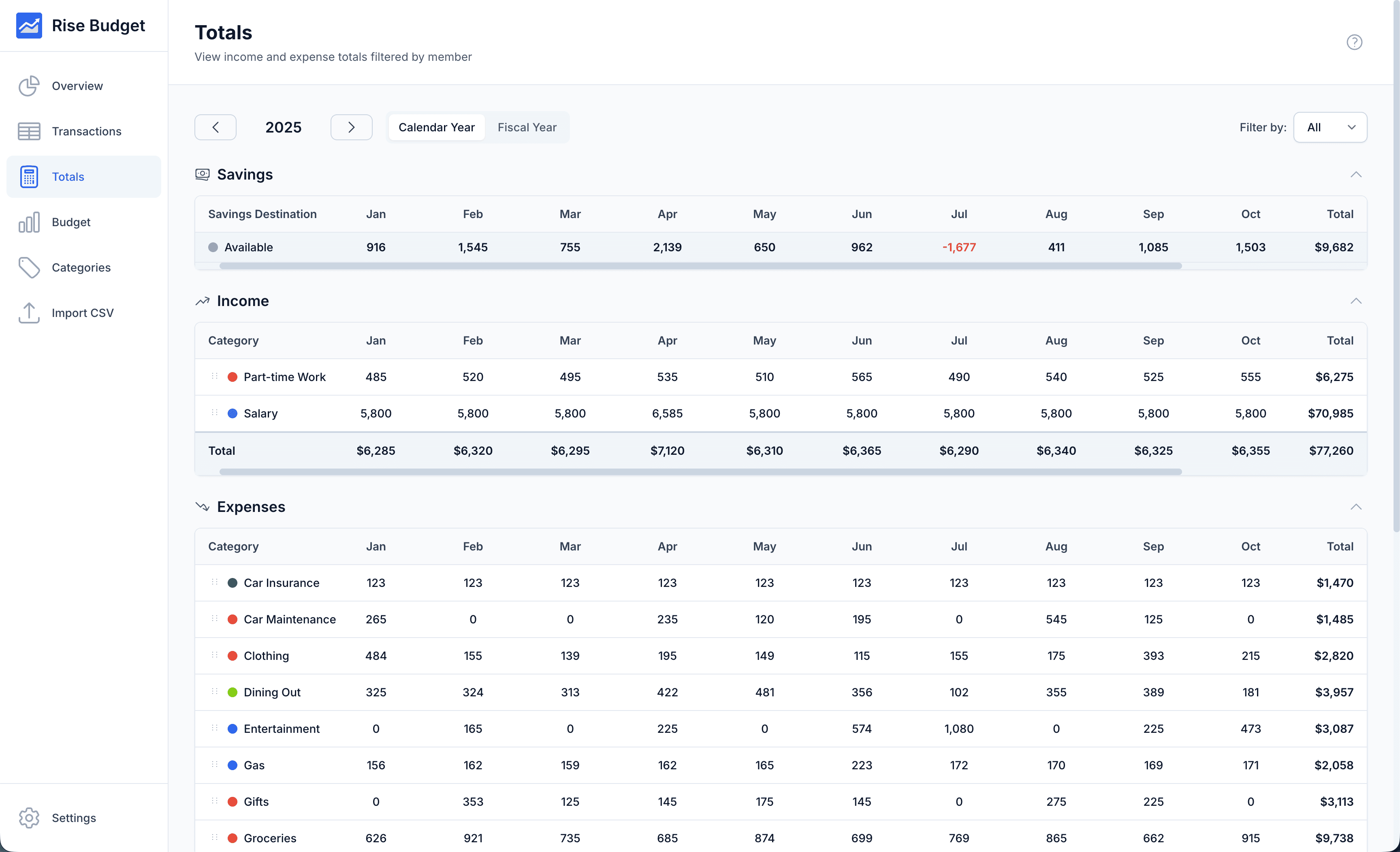
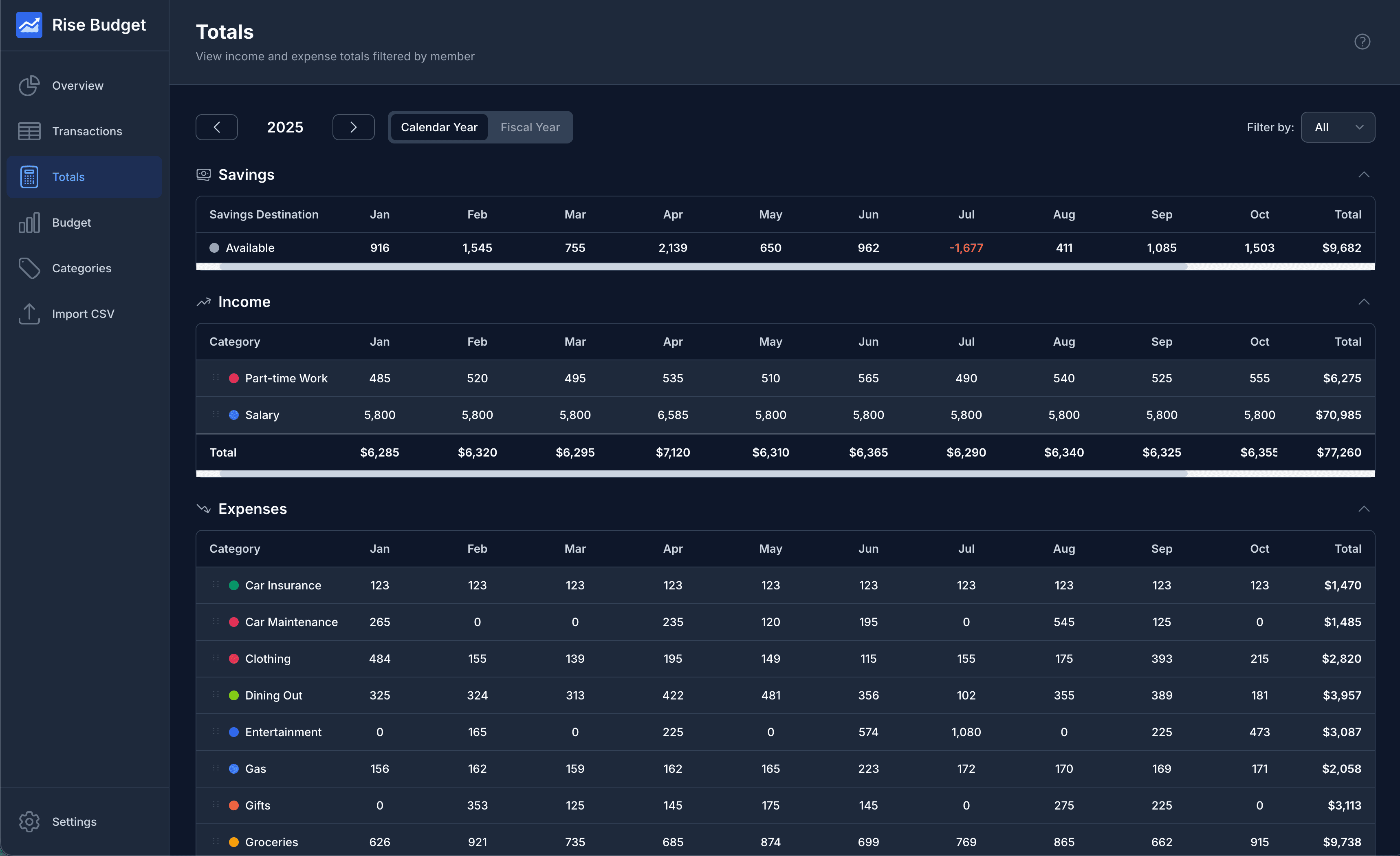
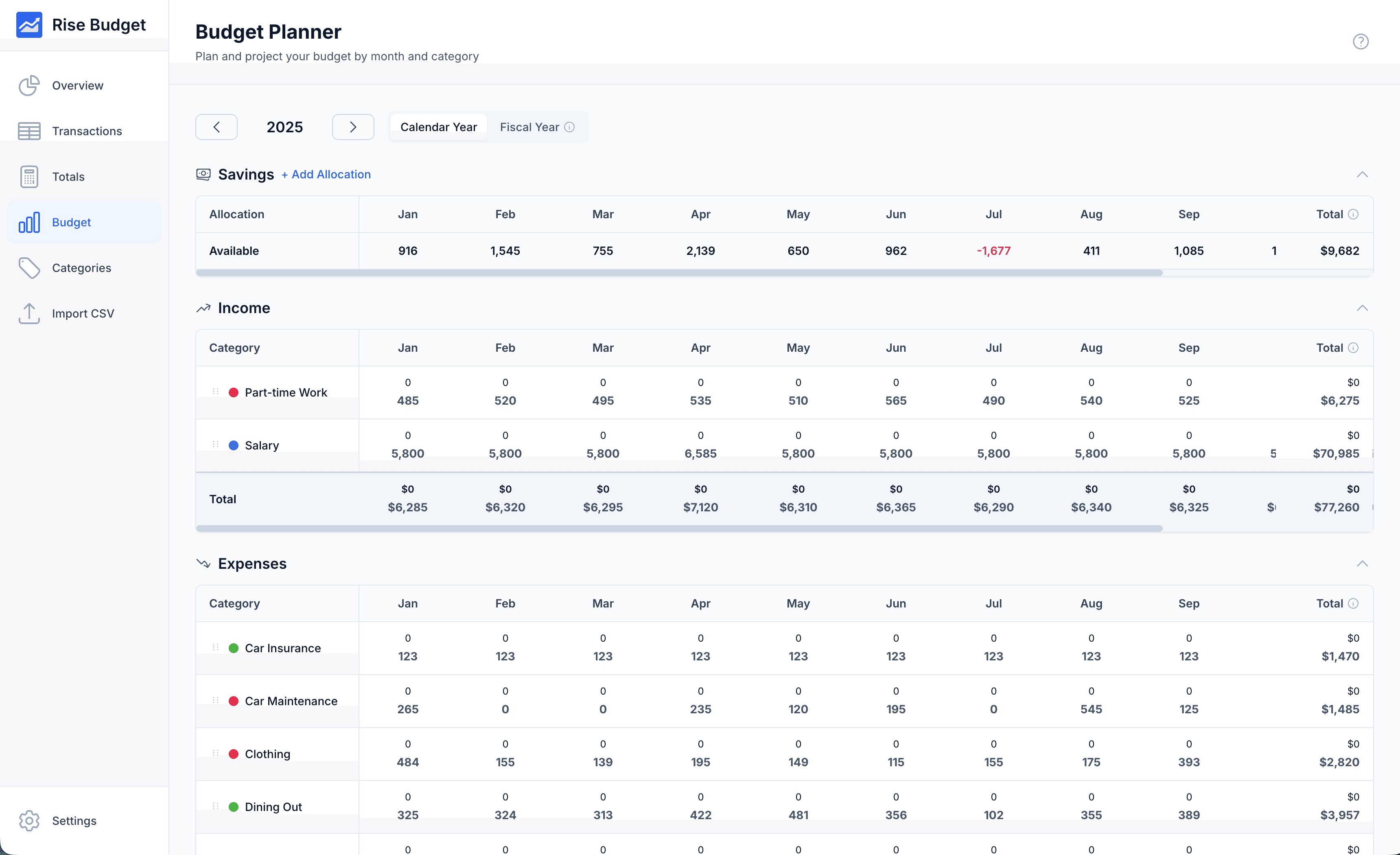
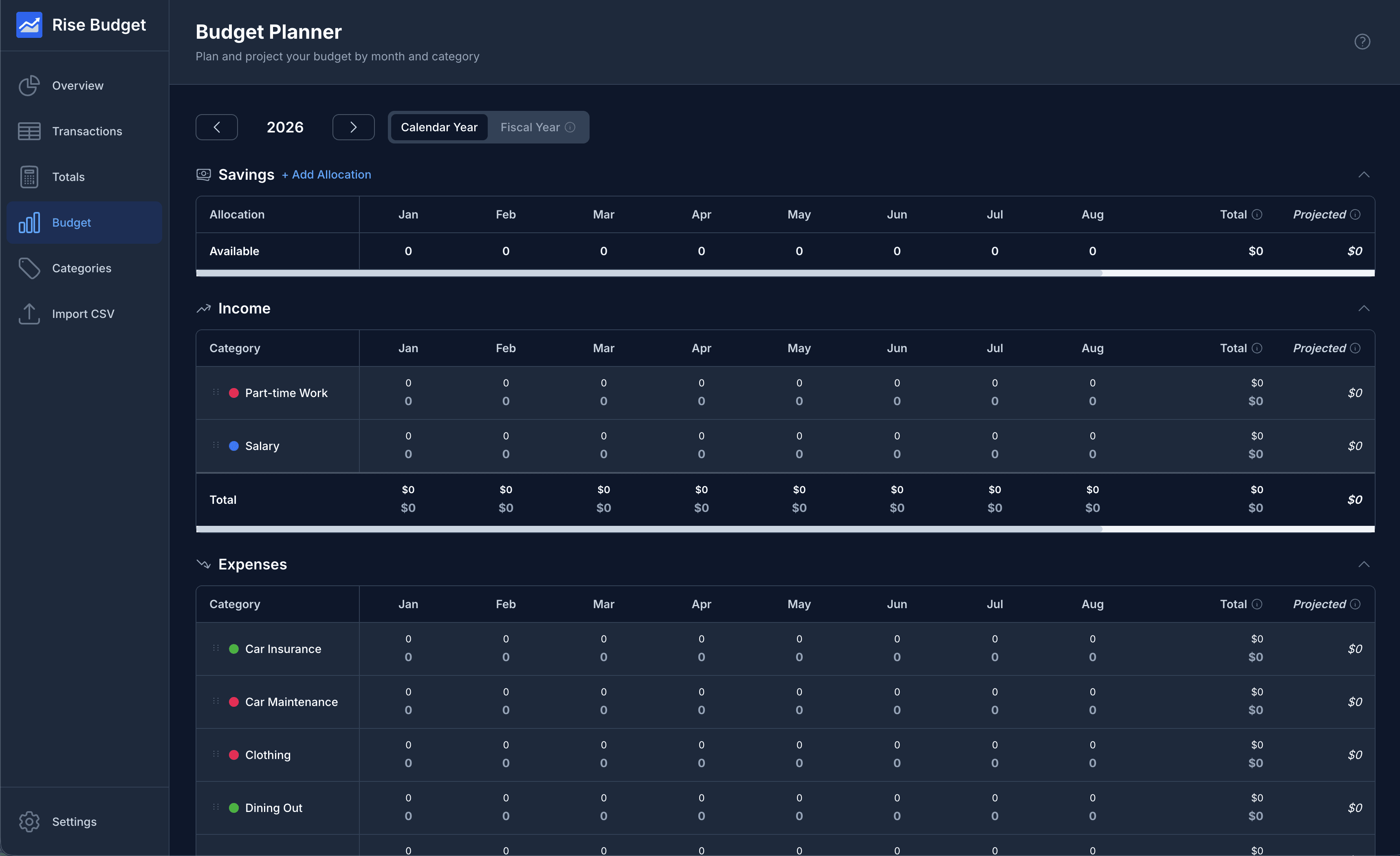
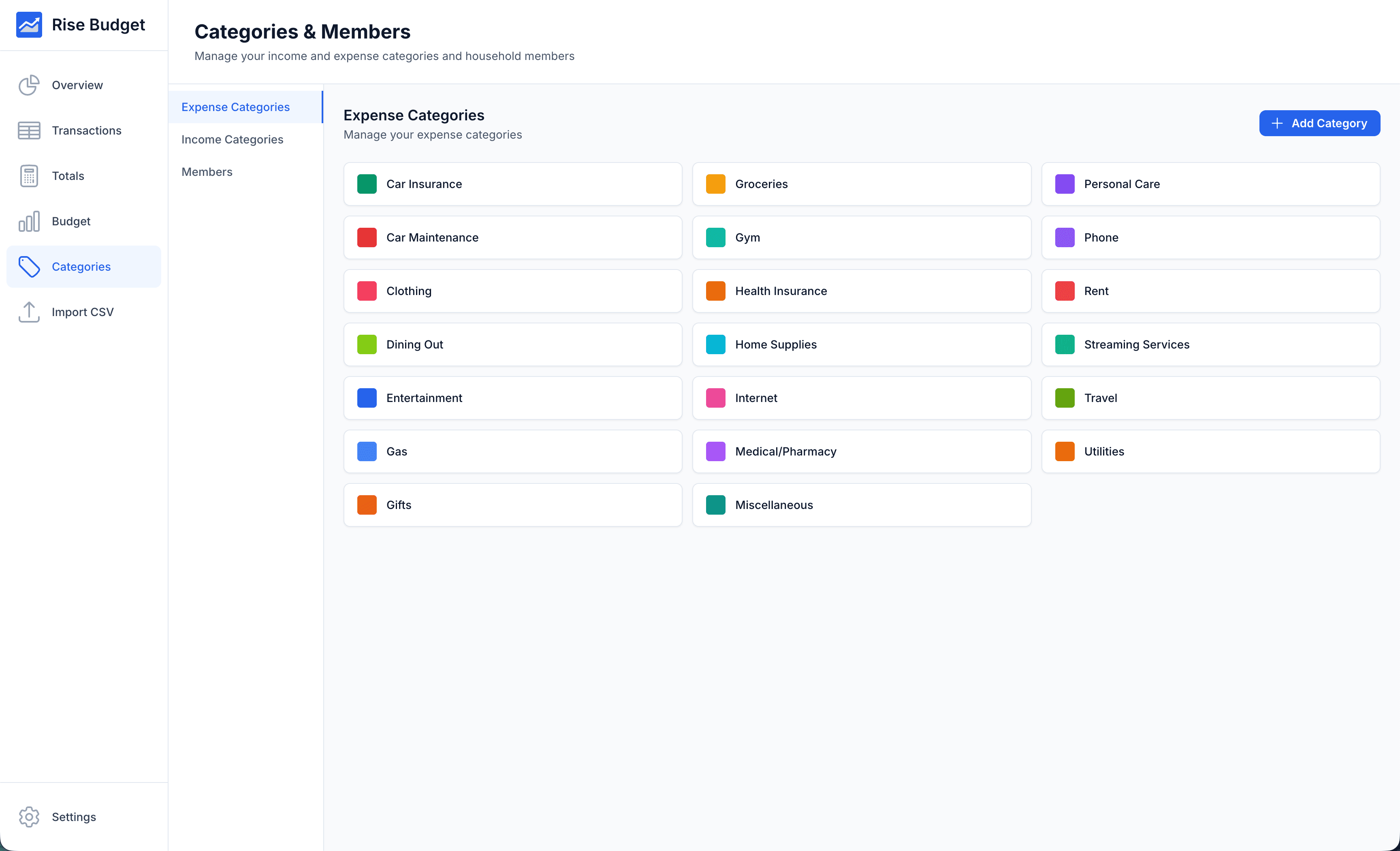
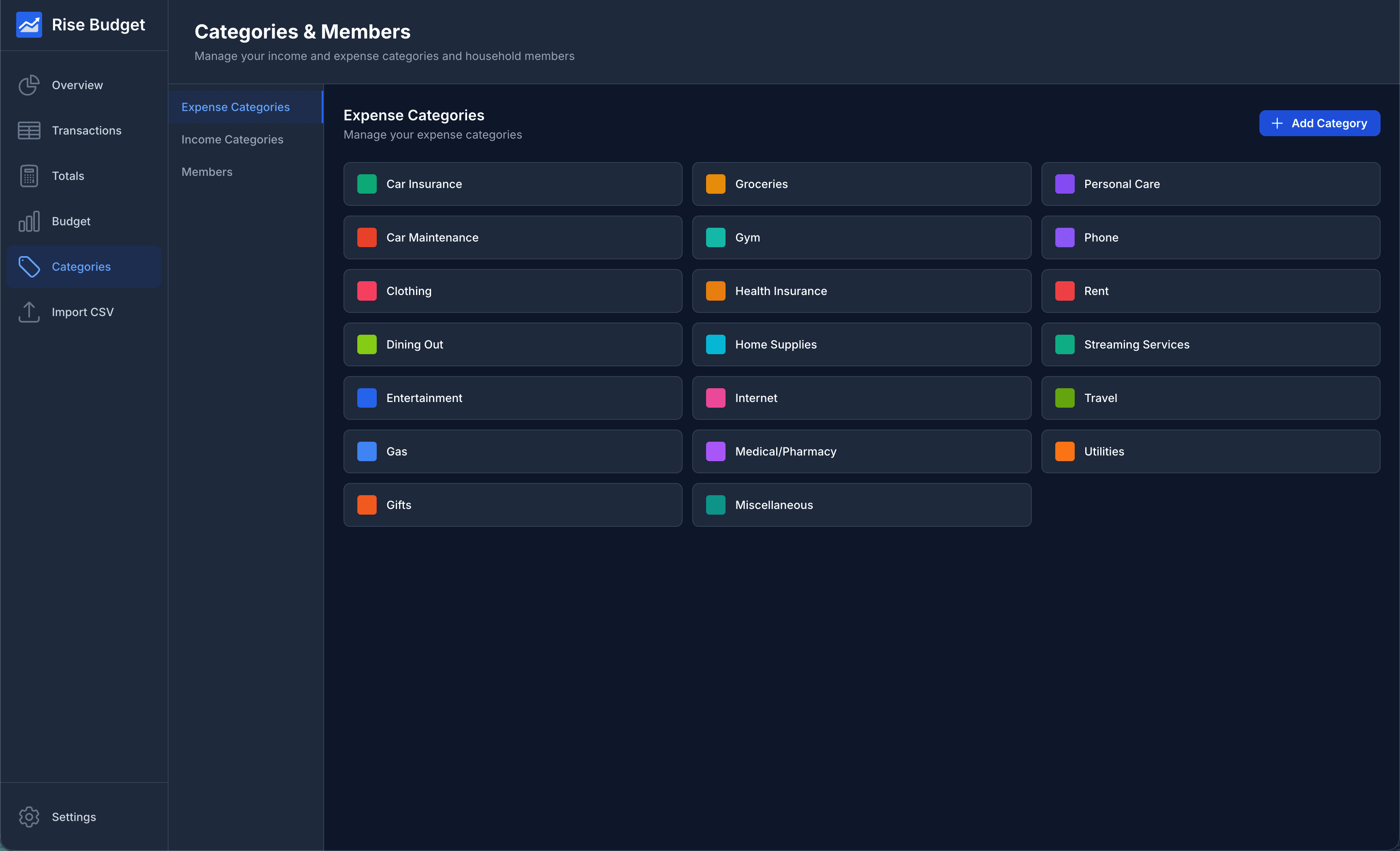
- Simple & Intuitive
- Clean, modern interface designed for ease of use. No complicated setup or learning curve required.
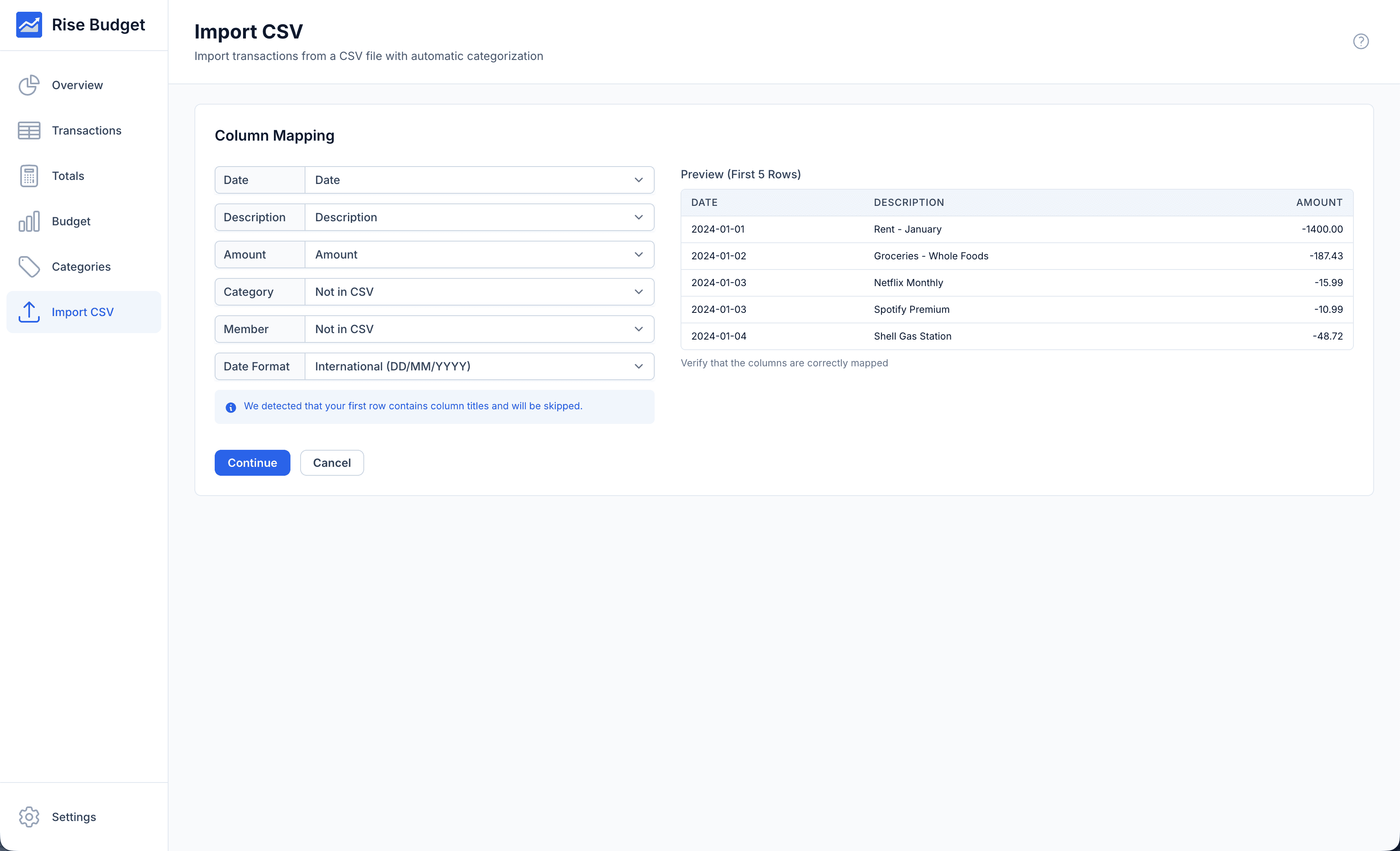
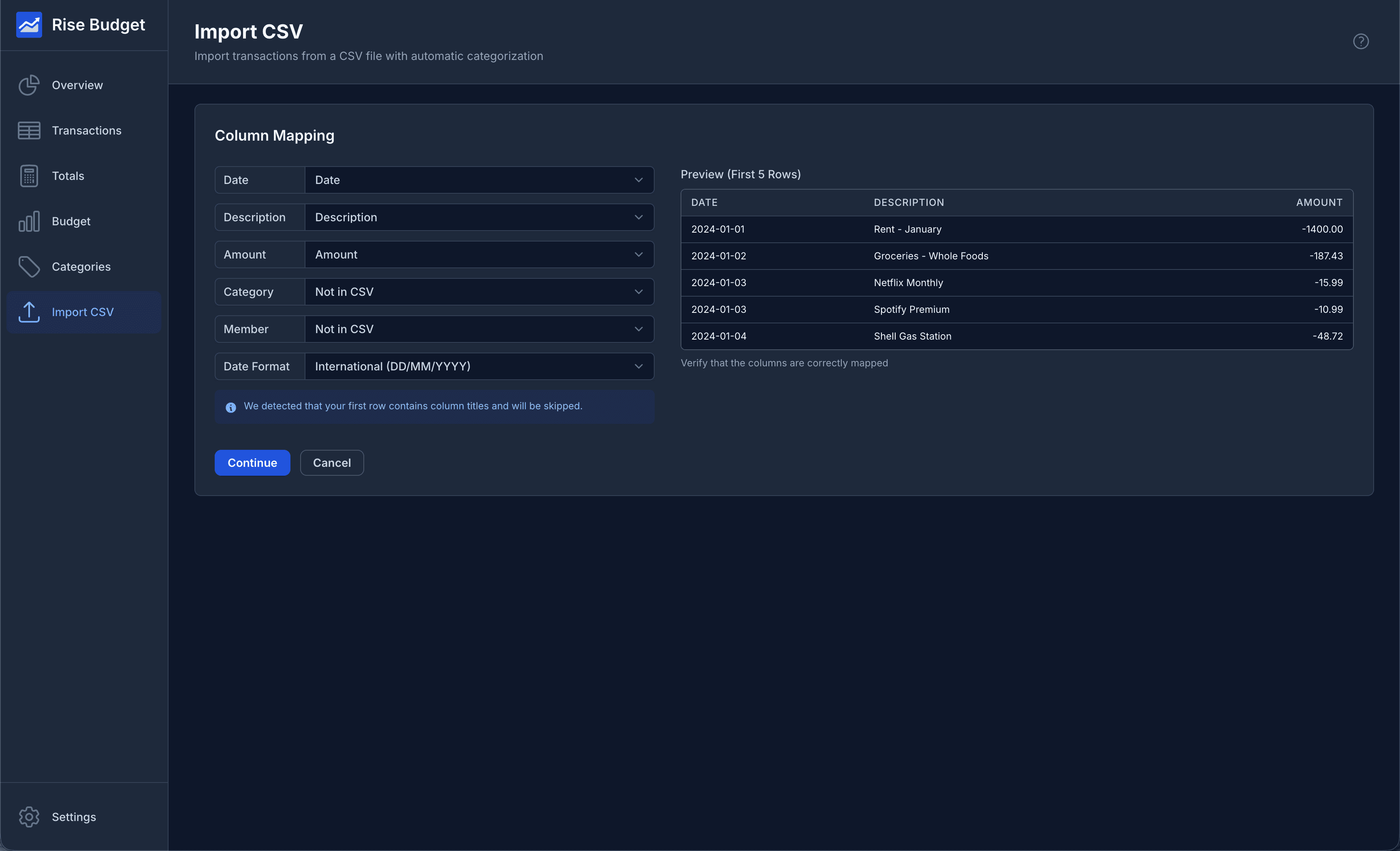
- Import Transaction Data
- Import transactions from your bank statements in CSV format. Easily map data columns. Supports all date formats.
- Auto-categorization
- Automatically categorizes transactions based on your previous choices. Less manual entry, with more accuracy over time.
- Add Household Members
- Additional option to track income & spending across all categories for each member of your household.
- Data Only Stored on Your Computer
- Your financial data never leaves your computer. No need to trust another third party with your financial data.
- Works Offline
- All features work without an internet connection. Your finances are always accessible, anywhere.
- Backup & Restore
- Export your data anytime and restore from previous backups. Easily transfer your data when you upgrade your computer.
- Multi-language & Currency
- Currently available in English, Spanish & Portuguese with more languages coming soon. Also a large range of currencies to select from.
Frequently Asked Questions
What is Rise Budget?
Rise Budget is a desktop application for tracking your personal finances. It runs entirely on your computer with no cloud sync, ensuring your financial data remains private.
Why isn't Rise Budget cloud hosted?
Keeping your data local means greater privacy and reduced risk of breaches. It also means the app works entirely offline, with no accounts to manage.
Is my data safe?
Absolutely. Your data is stored locally on your computer and never transmitted to our servers. We recommend regular backups which you can export anytime.
Is Rise Budget free?
Yes — all features are completely free. No credit card or account needed. Rise Budget is free while we grow our user base. Early adopters will not incur future payments if Rise Budget becomes paid.
What happens to my data if I uninstall?
Your financial data is stored locally on your computer and remains there even after uninstalling. You can back up your data anytime from within the app and restore it whenever you reinstall.
Can I use Rise Budget on multiple devices?
Yes — since Rise Budget is free with no account, you can install it on as many computers as you like. Your data is stored locally on each device. To move data between computers, use the app's backup and restore feature.
What platforms are supported?
Rise Budget runs on Windows, macOS (Intel and Apple Silicon).
Will new features be added in the future?
Absolutely! We're constantly working to improve Rise Budget and add new features. Please contact us at support@risebudget.com with any suggestions.